
Color My Desktop
Read our comprehensive review of Color My Desktop, the ultimate Linux customization tool for generating and applying unified color palettes across your system.
The Ultimate Solution for Cohesive Linux Theming
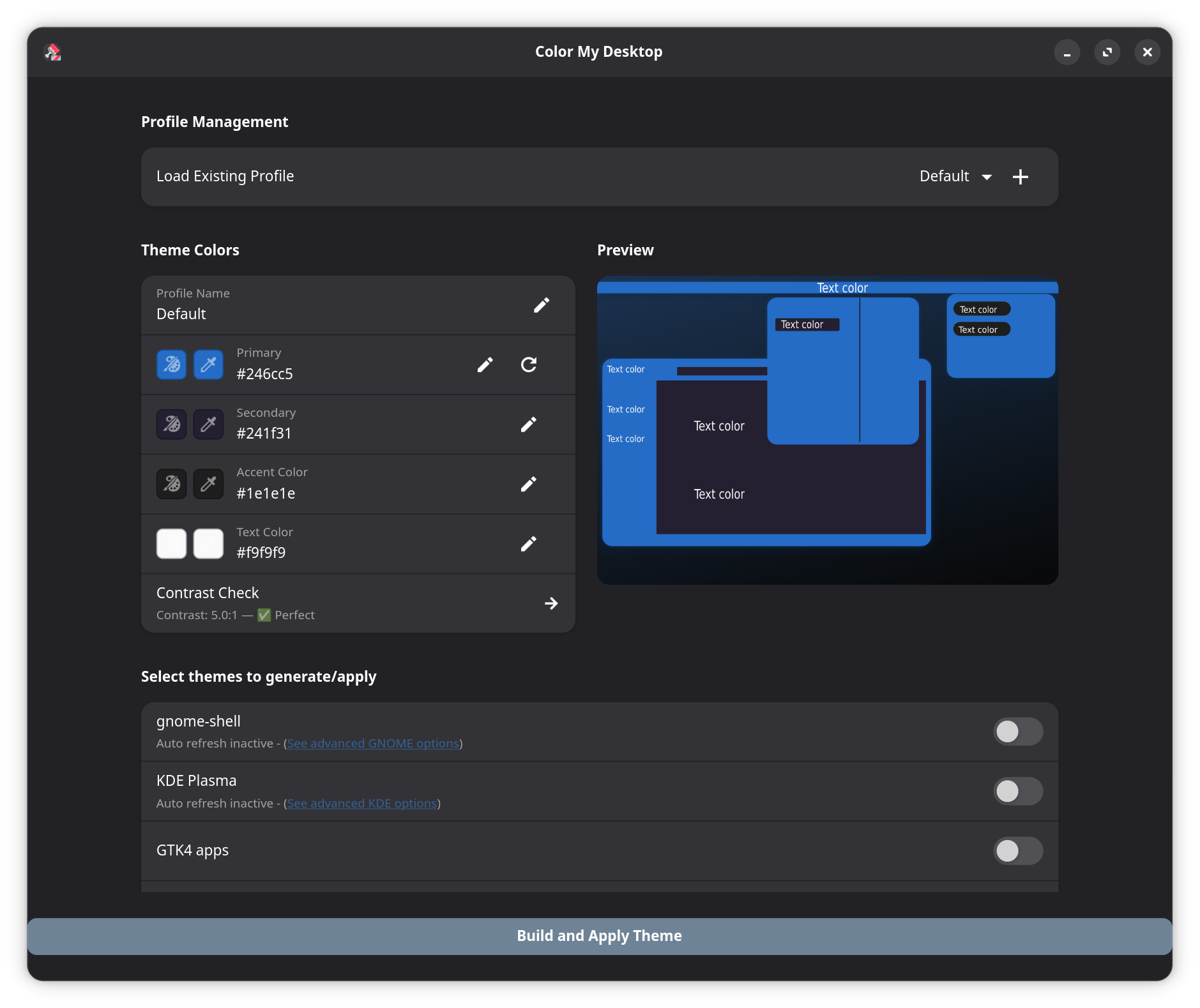
Achieving a truly unified aesthetic across different desktop environments and applications on Linux has historically been a complex challenge. Color My Desktop Linux theme customization solves this problem by allowing users to generate and apply consistent, custom color palettes across their entire workspace. Rather than manually configuring separate configuration files for every tool you use, this utility streamlines the process, ensuring your entire user interface looks cohesive and professionally designed.
Key Features of Color My Desktop
Developed by Schwarzen, this utility acts as a centralized styling hub for modern Linux setups. Here is what makes it stand out:
- Dynamic Palette Generation: Create and manage bespoke color schemes based on your personal preferences or specific wallpaper choices.
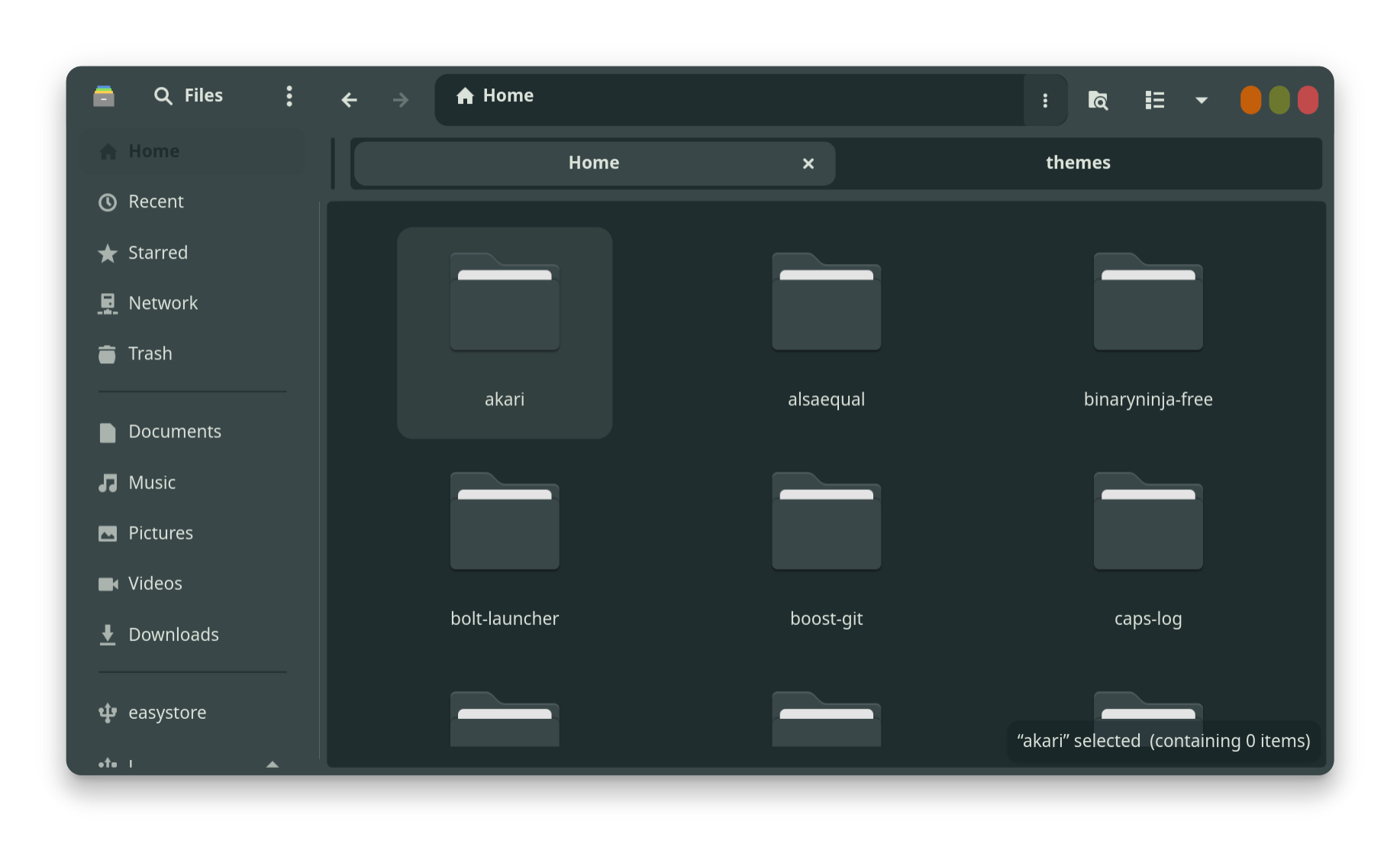
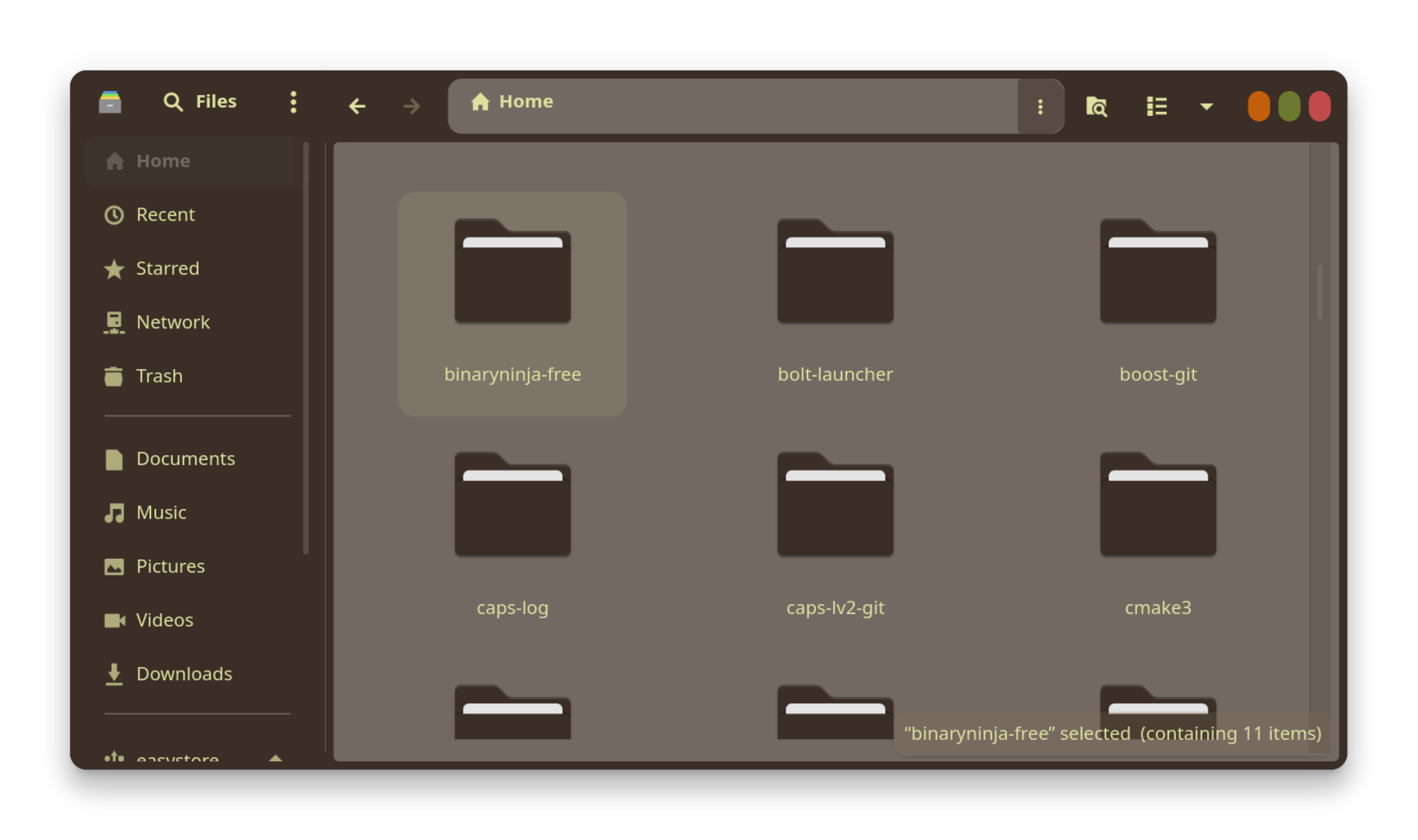
- Broad Software Integration: Apply your custom themes seamlessly to Gnome-shell, KDE Plasma, GTK4 applications, and the Nautilus file manager.
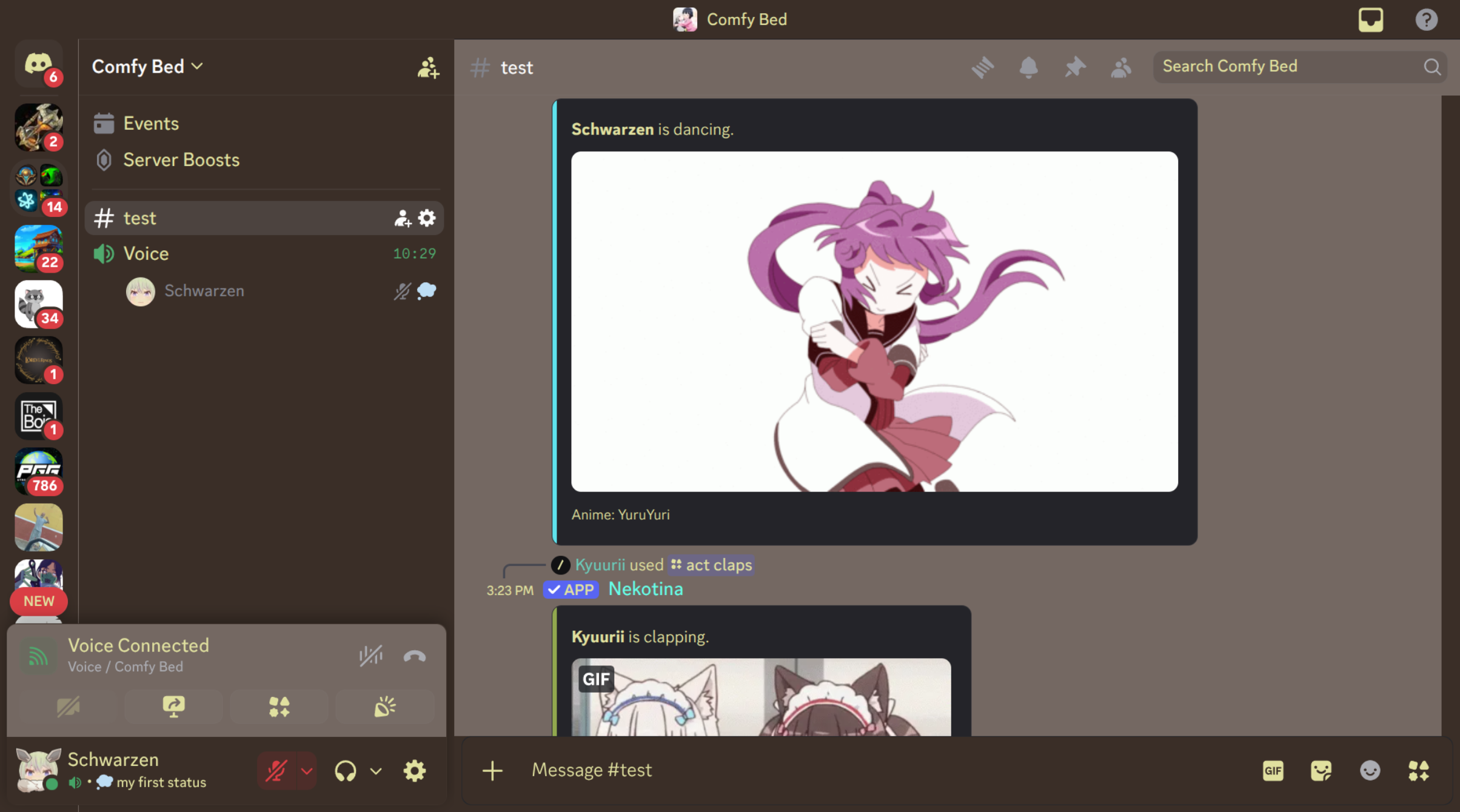
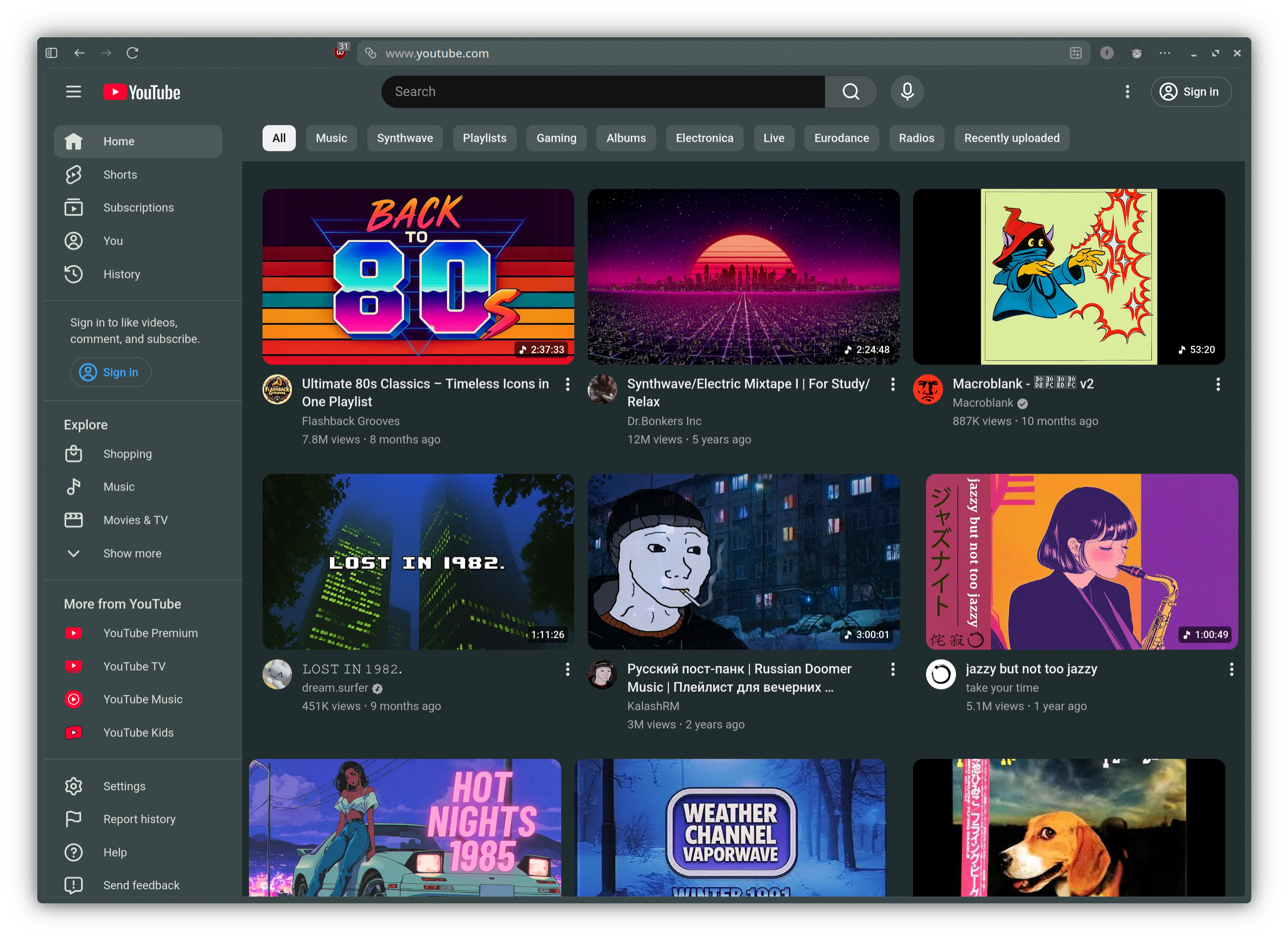
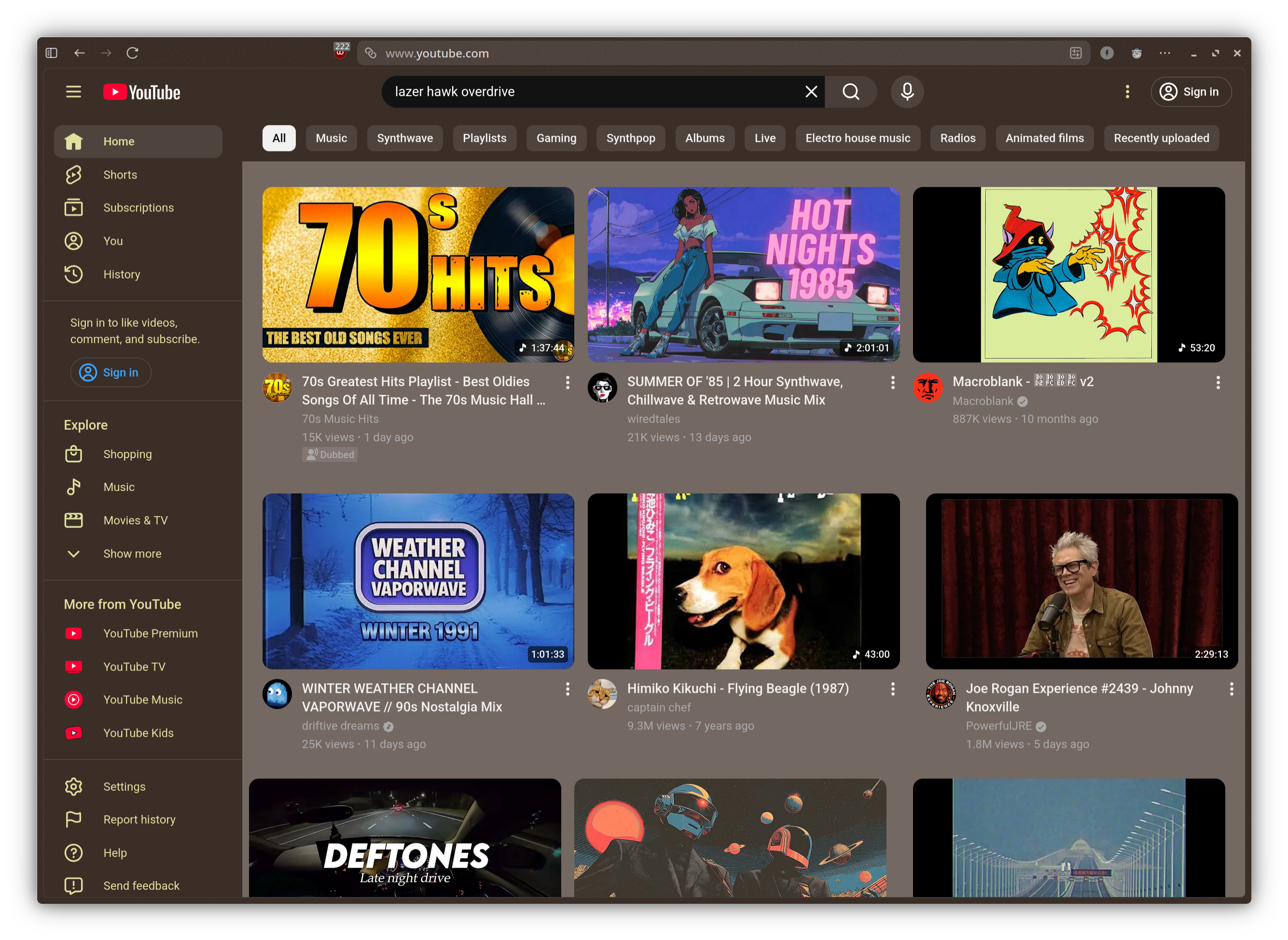
- Extended App Support: Bring visual harmony to third-party tools like Vesktop and Zen-Browser without tedious manual editing.
- One-Click Styling: Instantly apply your newly generated color palettes to all supported UI elements and applications.
Who Is This Customization Utility For?
If you spend hours tweaking configuration files to make your desktop look clean and uniform, this tool is designed for you. It bridges the gap between different toolkit technologies, allowing GTK4 apps, system shells, and custom browsers to share the exact same color DNA. It is particularly valuable for r/unixporn enthusiasts, developers, and power users who demand visual perfection from their Linux workstation without the overhead of maintaining complex scripting solutions.
Seamless Desktop Integration
What sets Color My Desktop apart is its ability to target both core system components and popular user-space applications simultaneously. By bridging the gap between GTK4, Gnome-shell, and KDE Plasma, it eliminates the jarring contrast that often occurs when running mixed-toolkit environments. Your file manager, web browser, and system menus finally look like they belong to the same operating system.
Get Started with Color My Desktop
Ready to transform your workspace into a beautifully coordinated environment? You can explore the application, view source details, and learn more about its deployment by visiting the official listing on Flathub.