
ZenOS Commander
Read our comprehensive review of ZenOS Commander, a modern file manager for Mac designed to streamline metadata viewing, image conversion, and file sorting.
A New Philosophy for macOS File Management
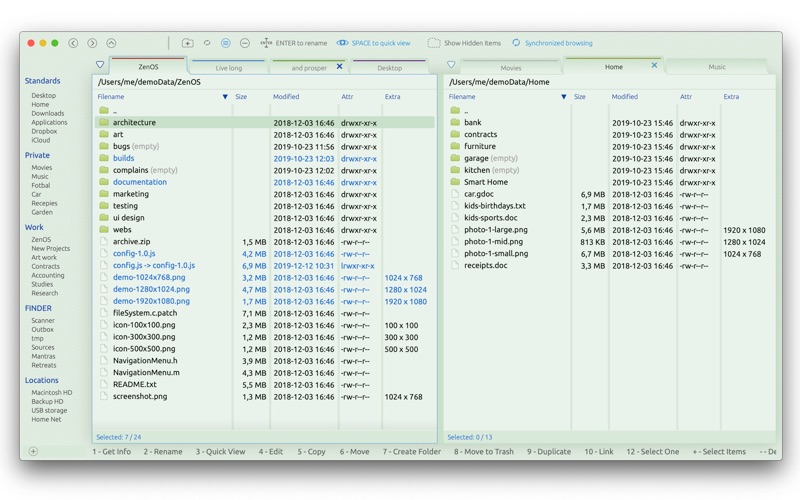
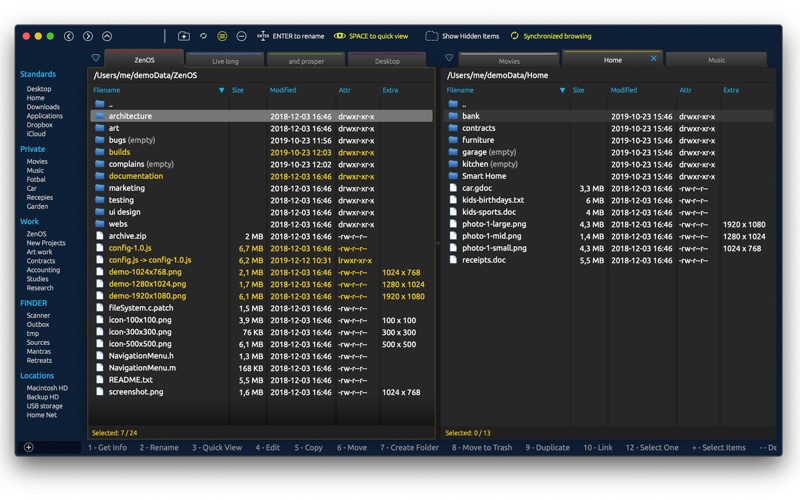
ZenOS Commander Mac file manager offers a refreshing departure from traditional directory browsers by putting rich metadata and quick-action utility at the forefront of your daily workflow. Developed by Shark Intelligence, s.r.o., this utility is built specifically for users who need to manage, convert, and inspect files without constantly jumping between third-party applications or opening heavy editing suites. It bridges the gap between raw file organization and active media preparation.
Direct Metadata Visibility and Geospatial Insights
One of the most immediate benefits of using the ZenOS Commander Mac file manager is how it handles asset information. Instead of hiding EXIF data and audio tags behind nested properties menus, this tool displays critical metadata directly within your file listings. For photographers and media creators, this visual integration is incredibly efficient. Even better, if your images contain location coordinates, the application can extract and display the actual geographical address right alongside the file, giving you instant context on where your media was captured.
In-App Image and Document Conversion Utilities
Beyond standard navigation, this utility excels at quick file transformations. Users can execute several complex tasks with a single click:
- Format Conversion: Seamlessly transcode images between PNG, JPEG, HEIC, TIFF, and JP2 formats.
- Vector Processing: Convert SVG files directly to raster images (PNG, JPEG, HEIC, TIFF, JP2) or vector-based PDFs.
- PDF Generation: Turn standard photos and images into clean PDF documents instantly.
- Image Manipulation: Scale, rotate, flip, and adjust resolutions on the fly.
Advanced Navigation and Power-User Tools
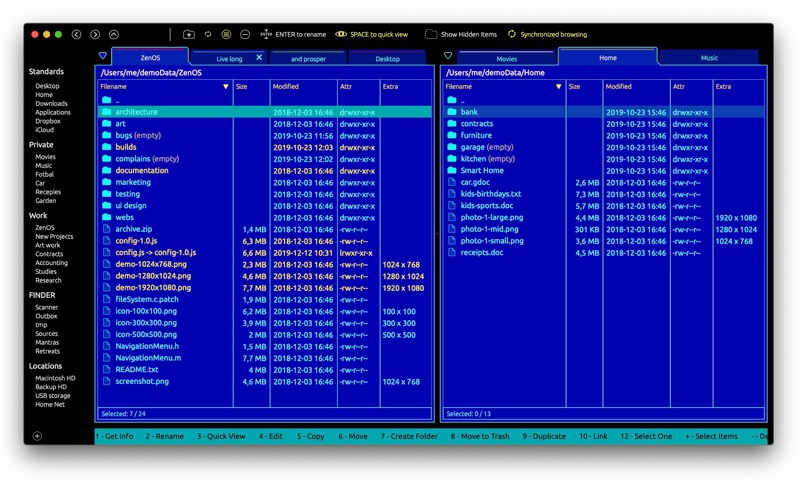
For those who require advanced file operations, the ZenOS Commander Mac file manager integrates several system-level conveniences. It features synchronized folder browsing, color-tagged tabs, and native support for system Finder Favorites—complete with dedicated hotkeys and custom grouping. For developers and system administrators, the ability to view raw binary or text data, run external diff tools, create symbolic links, find text within files, and launch the current folder directly in the Terminal makes it a highly capable workstation companion.
An Evolving Tool Driven by User Feedback
As an initial release, the developer has prioritized unique, high-value features—like immediate EXIF displays and quick conversion tools—over some of the more commonplace file management basics. This makes it an exciting utility to watch, especially since the creator actively encourages user feedback to shape the upcoming feature roadmap. If you are looking to optimize your macOS file workflows and reduce your reliance on separate conversion utilities, you can explore the official release of ZenOS Commander on the Mac App Store today.