
Client for Streaming
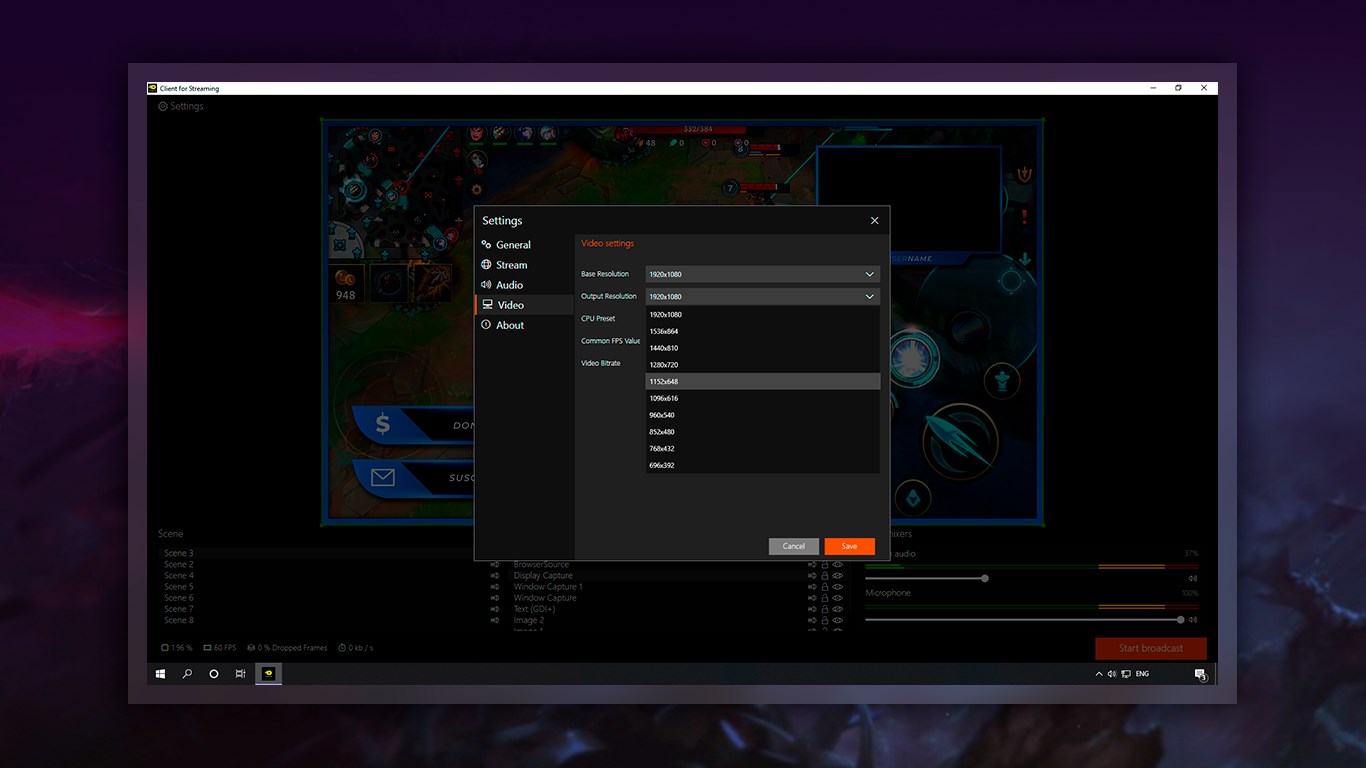
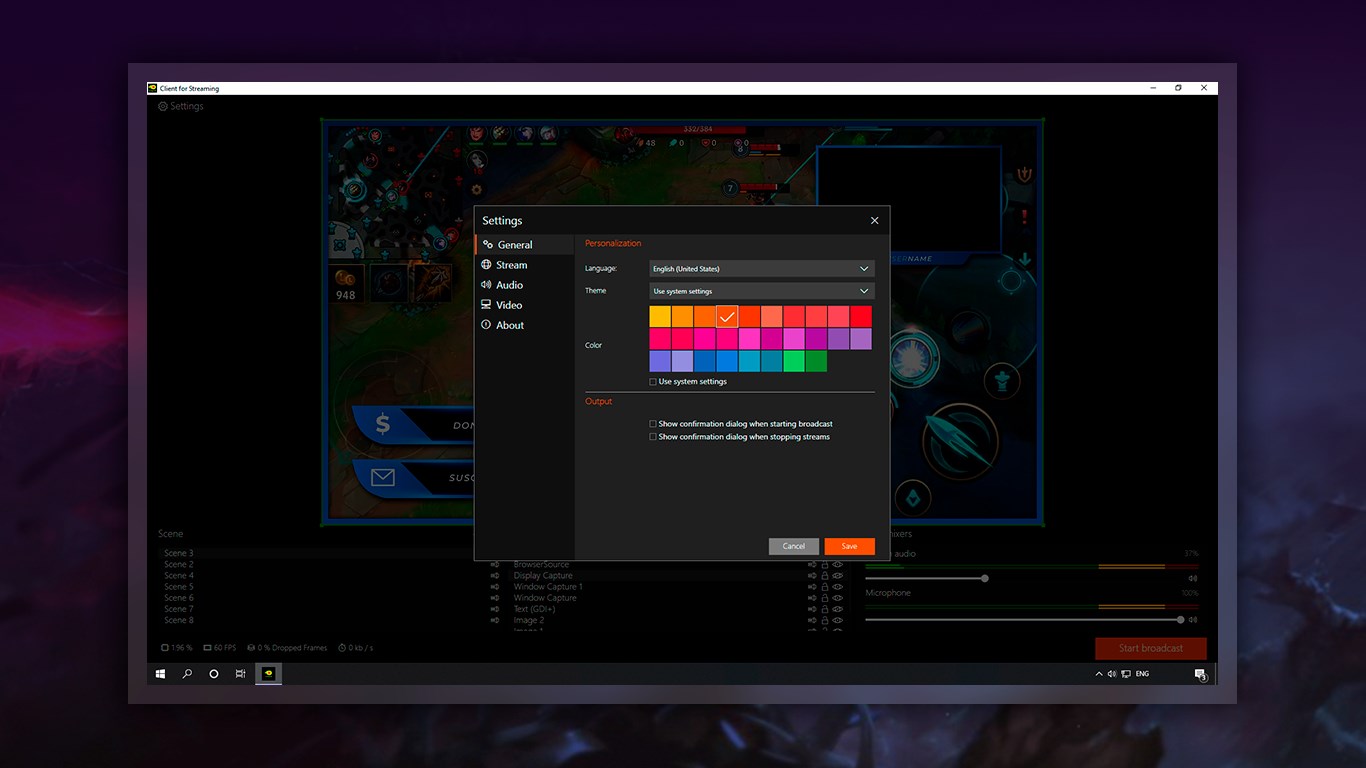
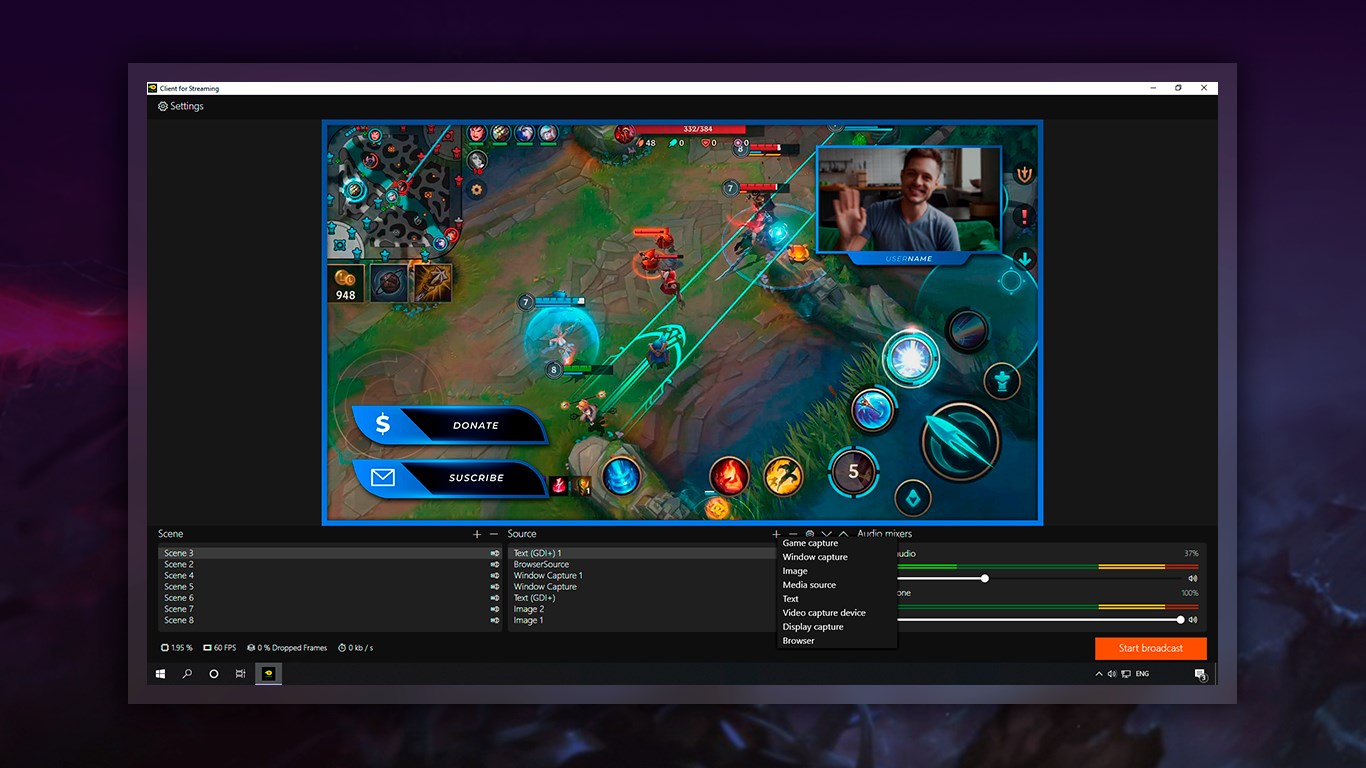
An in-depth review of Client for Streaming by Yellow Elephant Productions. Discover how this Windows software simplifies multi-platform live broadcasting.
Imagine you are preparing for a major live broadcast, but your encoding software is lagging, dropping frames, and refusing to connect to your preferred platform. For content creators, such technical bottlenecks are a nightmare. The Client for Streaming live broadcast software by Yellow Elephant Productions is designed to eliminate these headaches, offering Windows users a stable, high-performance solution for real-time video production and broadcasting.
What is the Client for Streaming Live Broadcast Software?
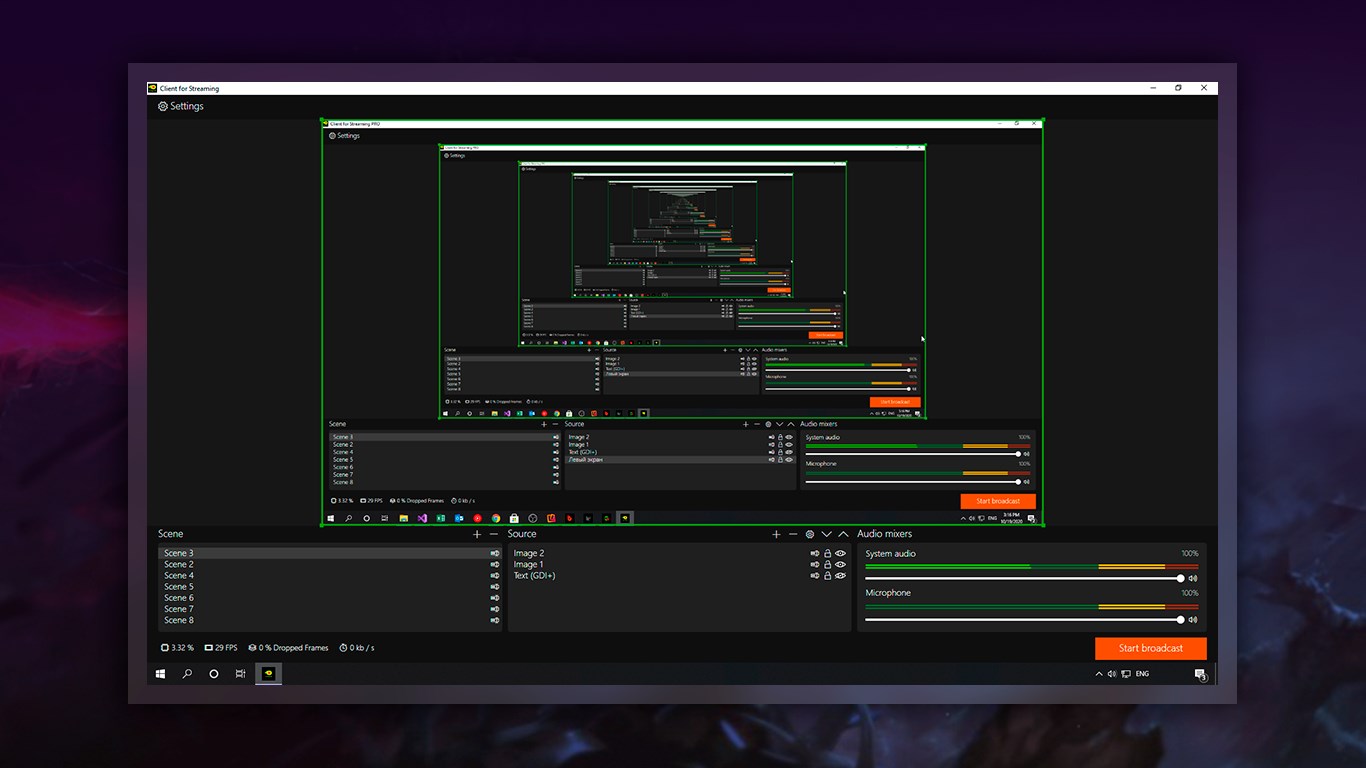
Categorized under entertainment and production tools, this application serves as a robust control center for digital broadcasters. The Client for Streaming live broadcast software allows you to capture, mix, edit, and record high-quality video and audio feeds simultaneously. Designed to minimize latency and system overhead, it ensures a smooth setup process that takes only minutes from installation to your first live transmission.
Key Features of Client for Streaming
- Multi-Source Scene Composition: Build dynamic scenes by blending diverse inputs, including window captures, static images, webcams, text overlays, browser sources, and hardware capture cards.
- Seamless Scene Transitions: Configure an unlimited number of scenes and switch between them on the fly with smooth, custom transitions.
- Advanced Audio Control: Fine-tune your sound using an integrated, intuitive audio mixer featuring per-source filters such as noise suppression, noise gates, and gain adjustments.
- Extensive Platform Integration: Stream directly to over sixty supported destinations—including Twitch, YouTube, Facebook Live, Restream, and Steam—in just a few clicks.
Who is This Streaming Solution For?
Whether you are a gaming creator streaming to Trovo or Twitch, an educator hosting live webinars, or a community organizer broadcasting events to custom RTMP destinations, this software offers the versatility required for modern digital media production. Its clean user interface makes it accessible for beginners, while the deep customization options satisfy the demands of seasoned broadcasters.
An Optimized Broadcasting Experience
By leveraging the power of the Client for Streaming live broadcast software, creators can focus entirely on their content rather than technical troubleshooting. The lightweight architecture ensures that your system resources are directed toward running your games or applications, maintaining high frame rates and crystal-clear audio throughout your entire broadcast session.
If you are ready to elevate your production quality, you can explore the official listing and acquire the application directly from the Microsoft Store.