
Netflix
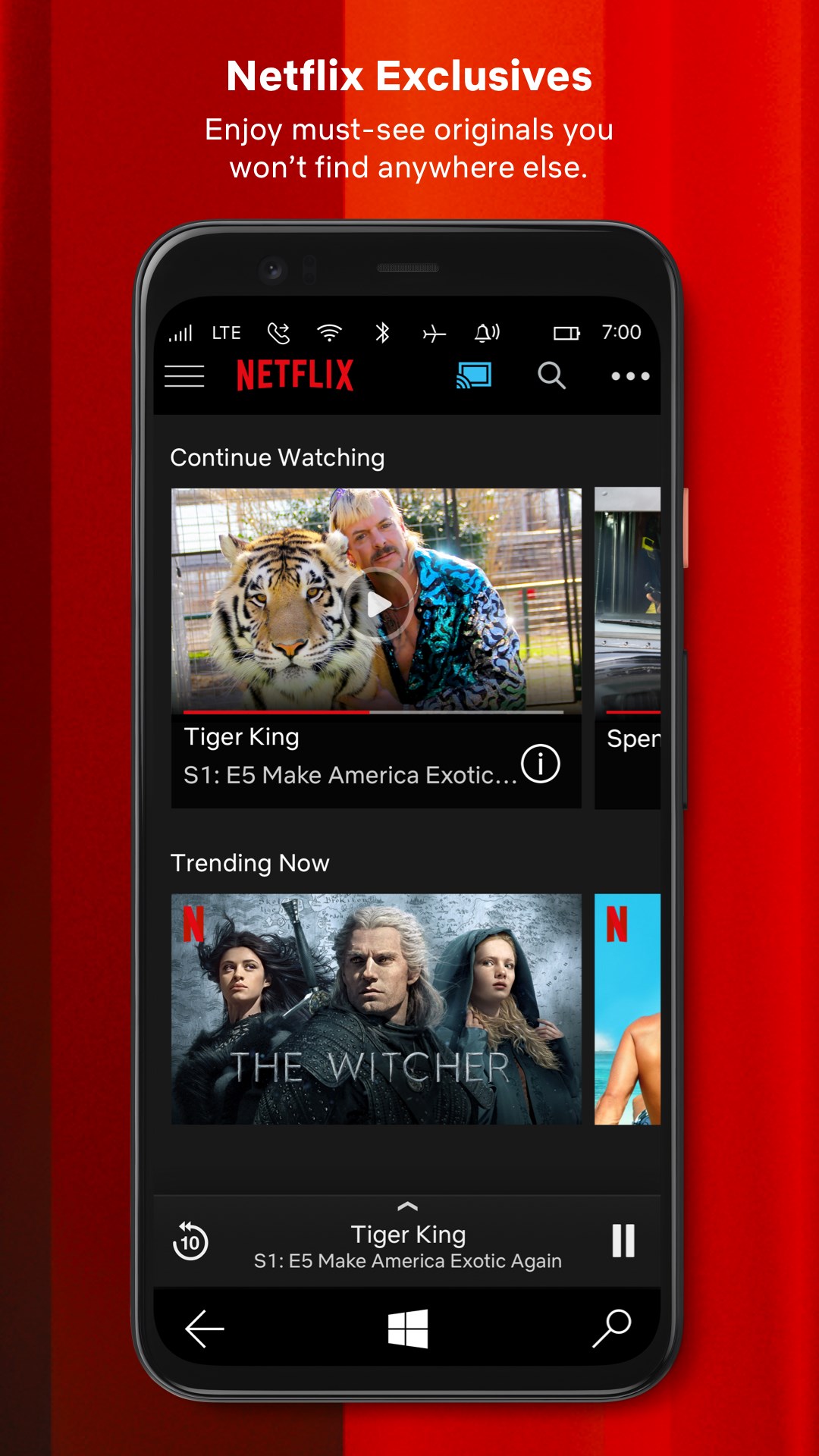
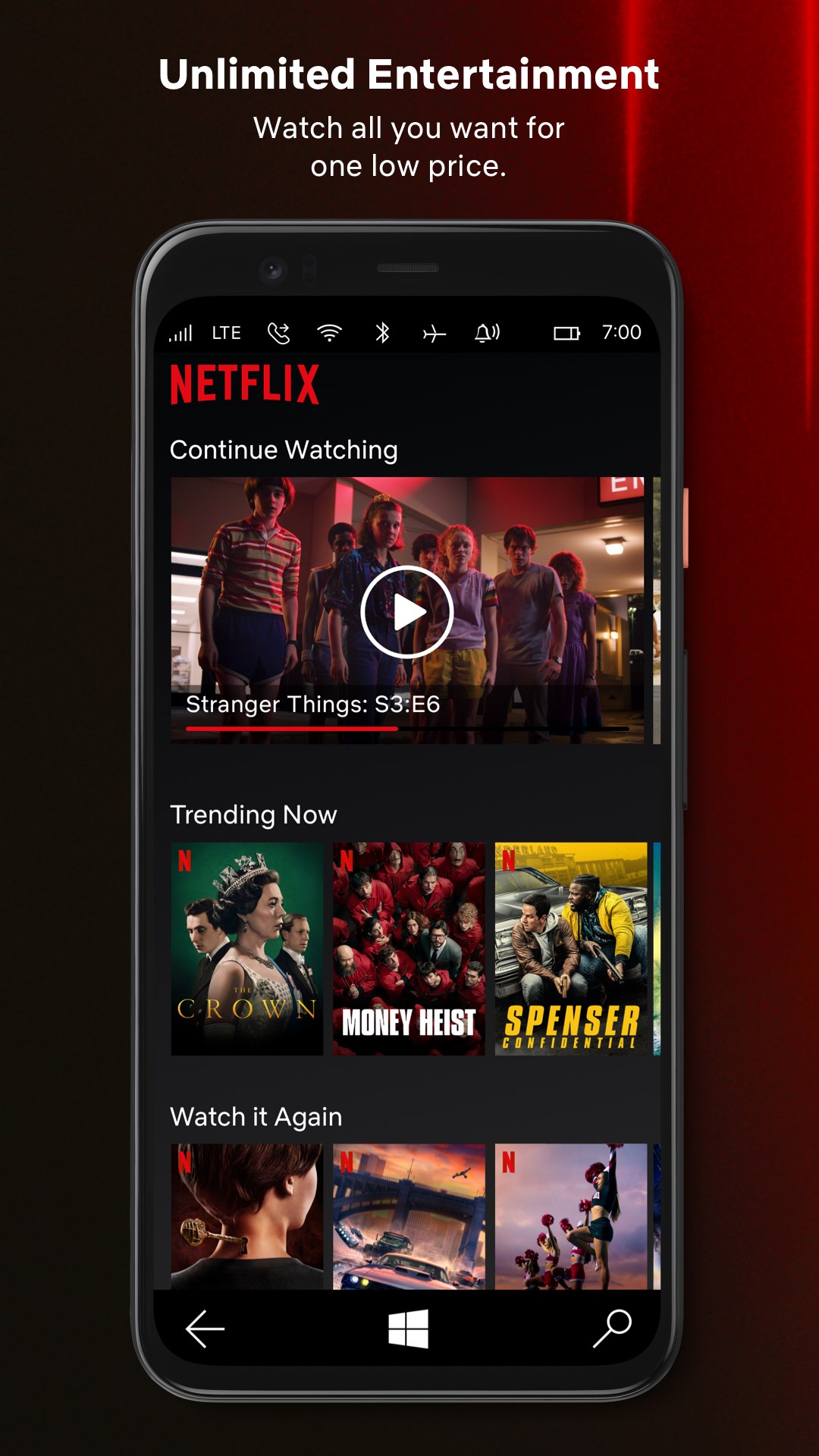
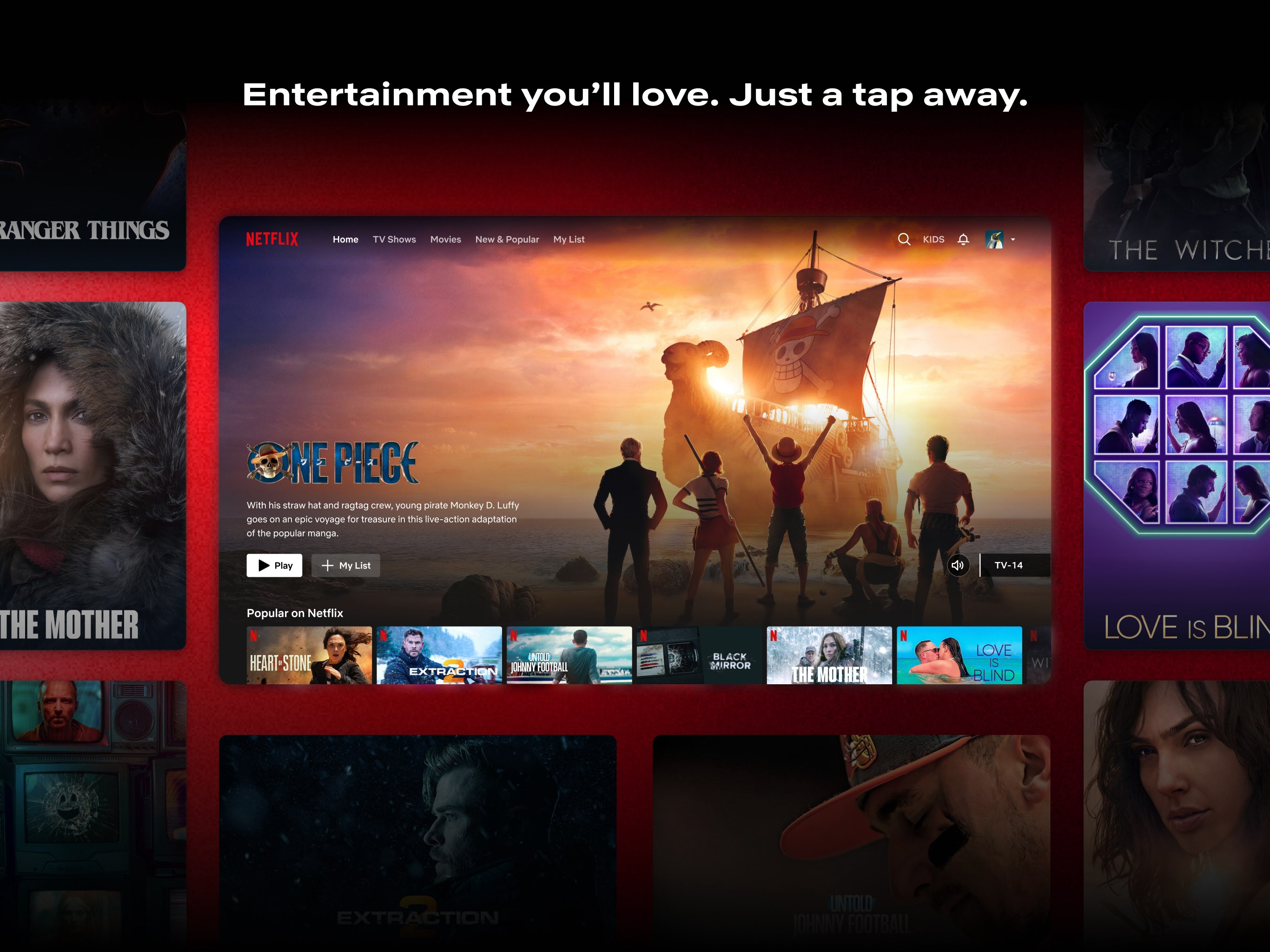
An in-depth review of the Netflix streaming app for Windows. Discover its key features, user experience, and how to access it on the official store.
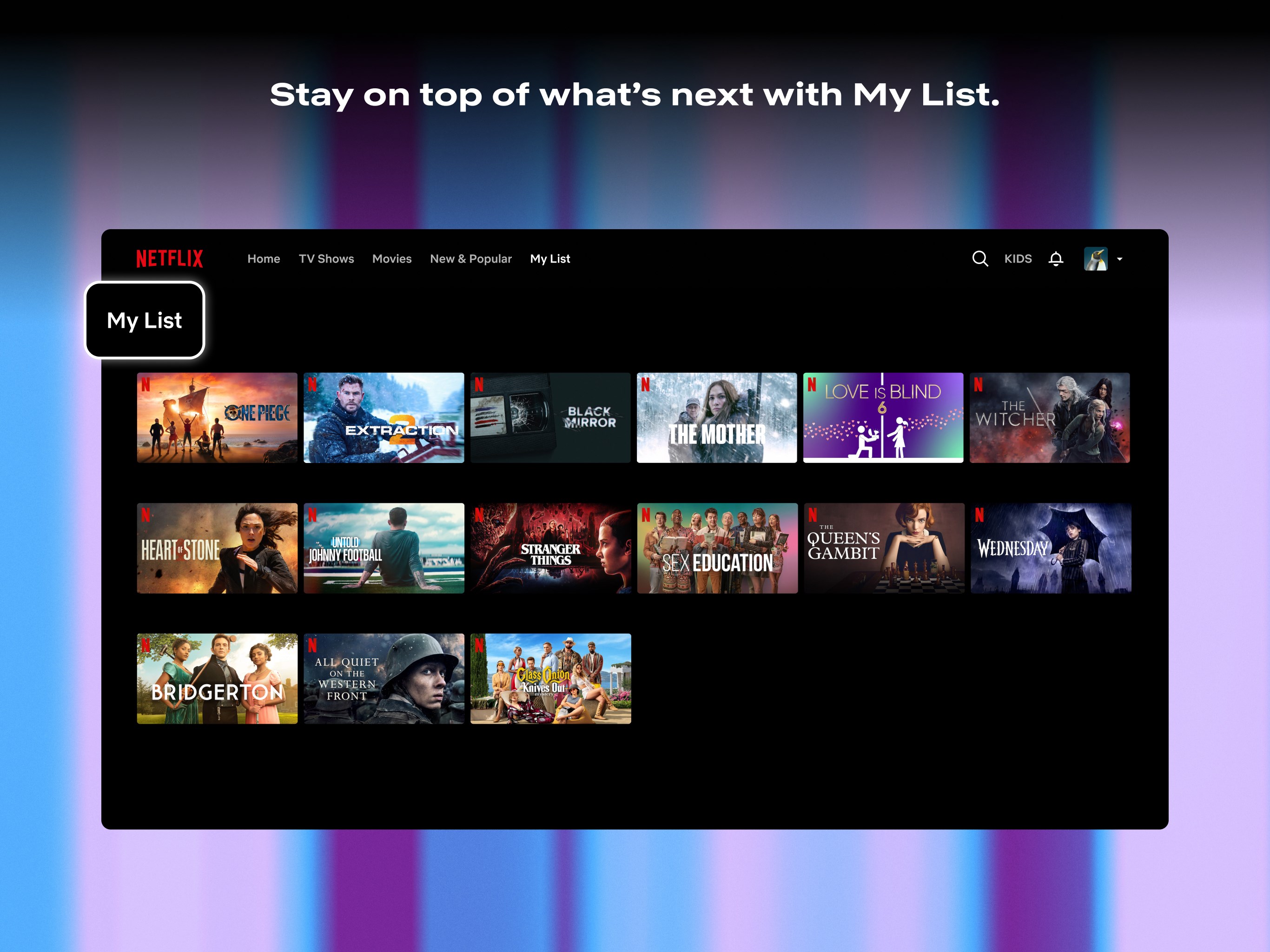
The Netflix streaming app delivers an unparalleled library of award-winning television series, blockbuster movies, detailed documentaries, and exclusive stand-up specials directly to your personal device. As a premier destination for global entertainment, this platform adapts to your viewing habits to provide highly personalized content recommendations over time.
Unmatched Entertainment on the Netflix Streaming App
Whether you are looking to catch up on trending dramas during your daily commute or want to settle in for a weekend movie marathon, the application provides a smooth, high-quality viewing experience. The platform is designed to make discovery effortless, continuously updating its catalog with fresh titles from international creators and independent studios alike.
Key Features and Capabilities
- Smart Personalization: The sophisticated recommendation engine analyzes your viewing history to suggest new movies and series tailored specifically to your taste.
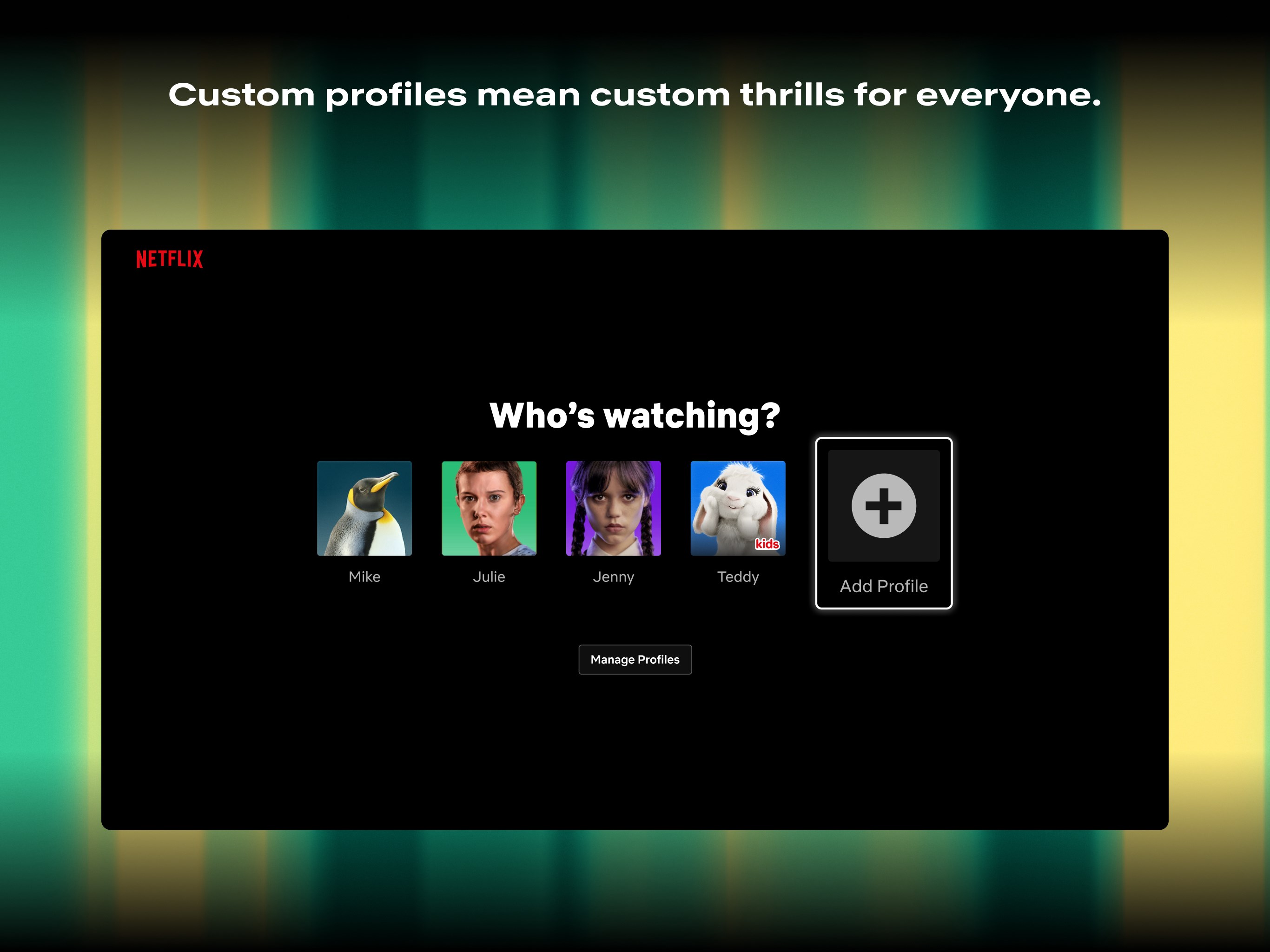
- Dedicated Kids Experience: Parents can establish secure, family-friendly profiles that restrict content to age-appropriate titles, ensuring a safe digital environment.
- Instant Previews & Notifications: Watch quick video teasers of upcoming releases and opt-in for real-time alerts when new episodes of your favorite shows drop.
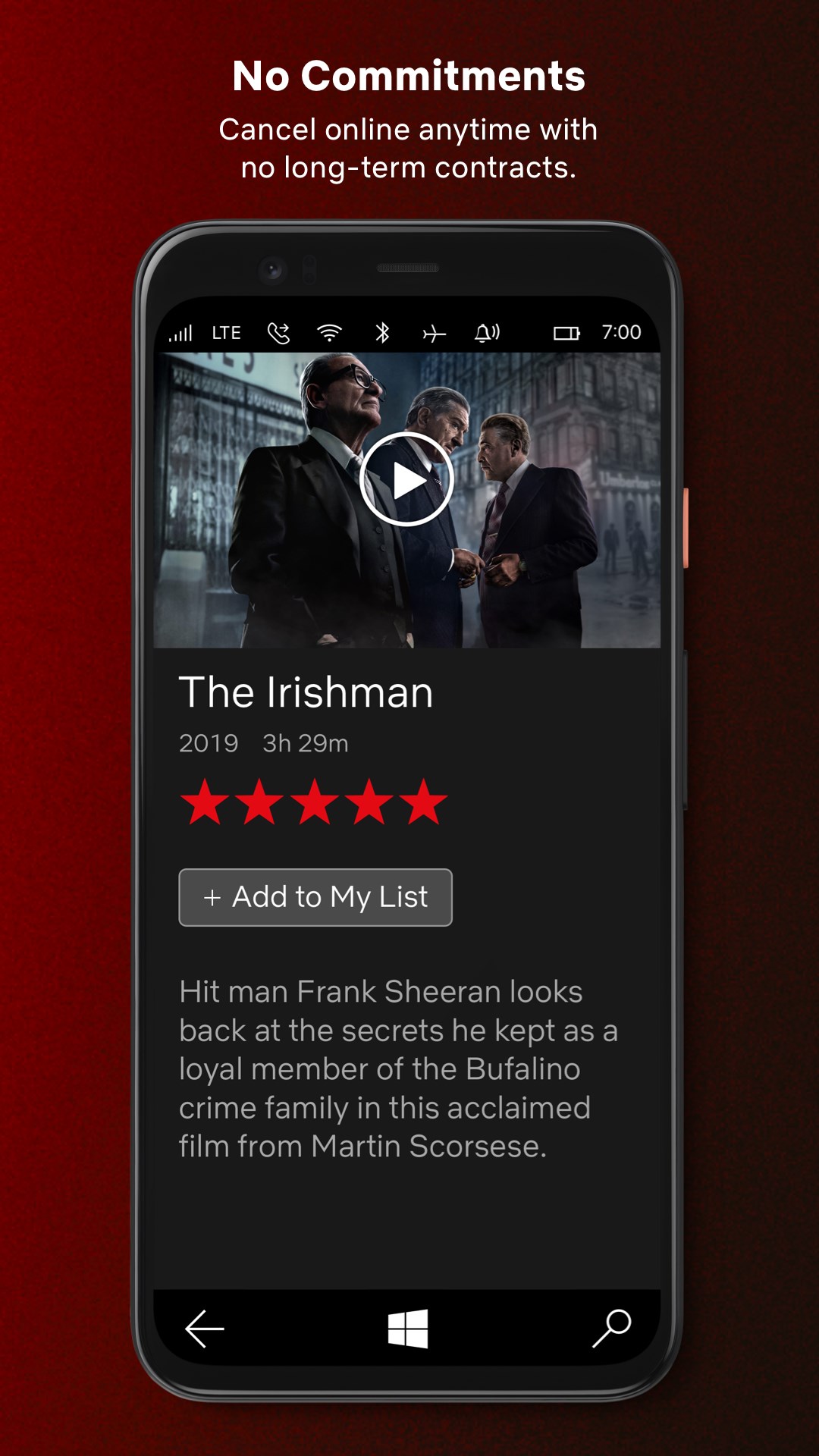
- Flexible Membership: Enjoy a month-to-month subscription model that allows you to modify or cancel your plan online at any time without long-term commitments.
Who is This App For?
This software is ideal for Windows users who want a dedicated, optimized interface for media consumption rather than relying on a standard web browser. It serves households looking for a centralized entertainment hub that caters to both adult cinephiles and young children with equal ease.
Is the Netflix Streaming App Right for You?
For those seeking a comprehensive, ad-free entertainment catalog with robust offline capabilities on mobile and seamless integration on desktop, this utility remains a market leader. While a paid active subscription is required to access the video stream, the interface itself is highly intuitive and regularly updated to enhance performance.
To experience this premier entertainment platform firsthand, you can find more information and acquire the application directly from the official Microsoft Store page.