
Media Downloader
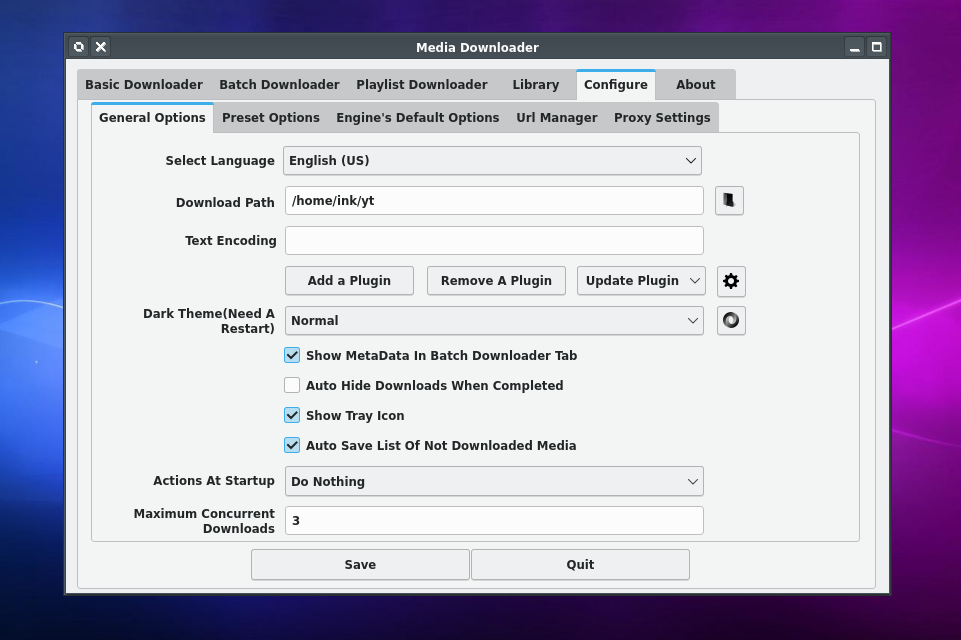
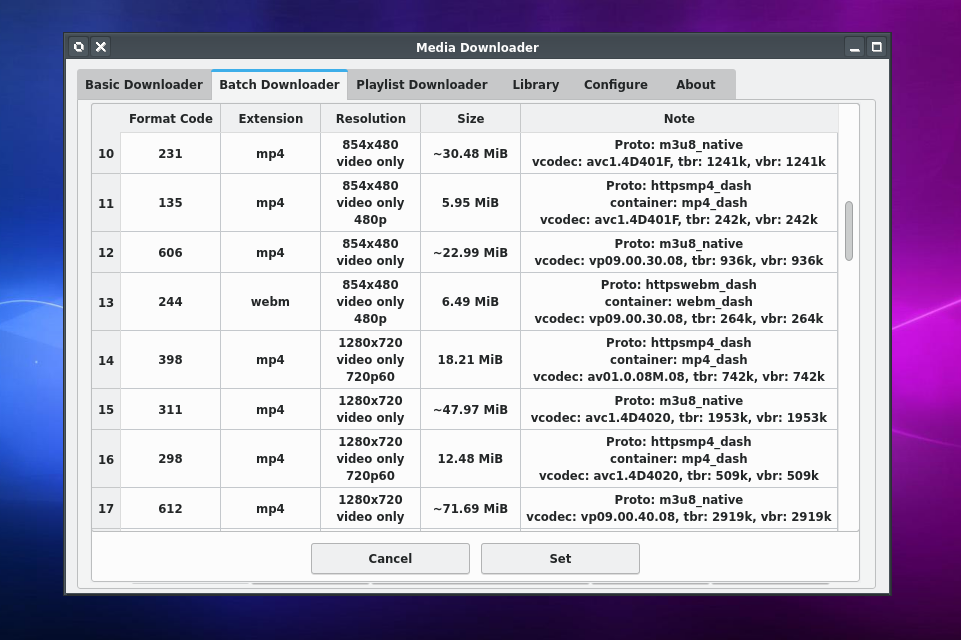
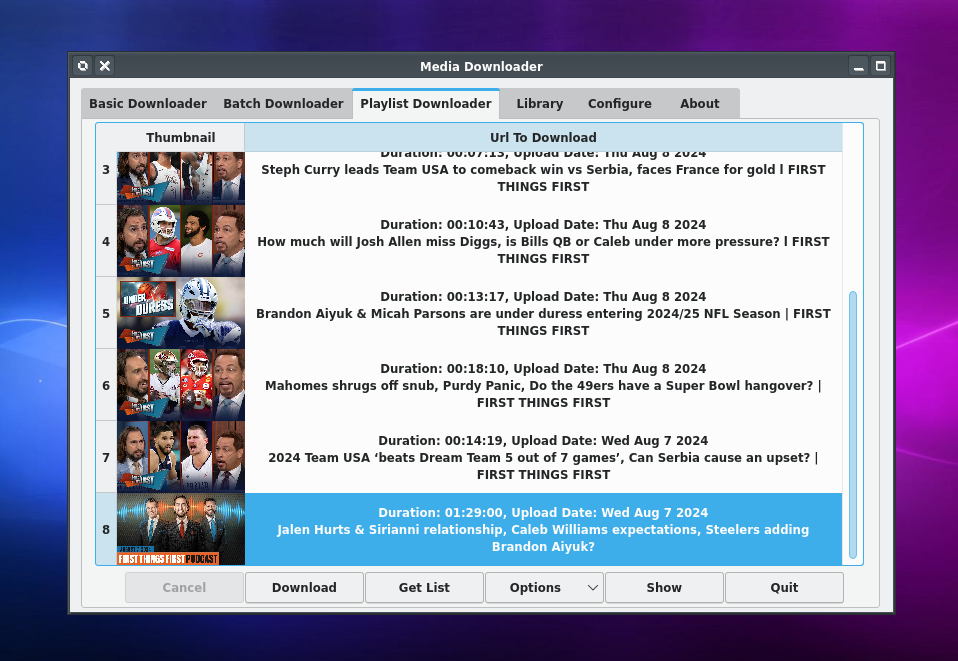
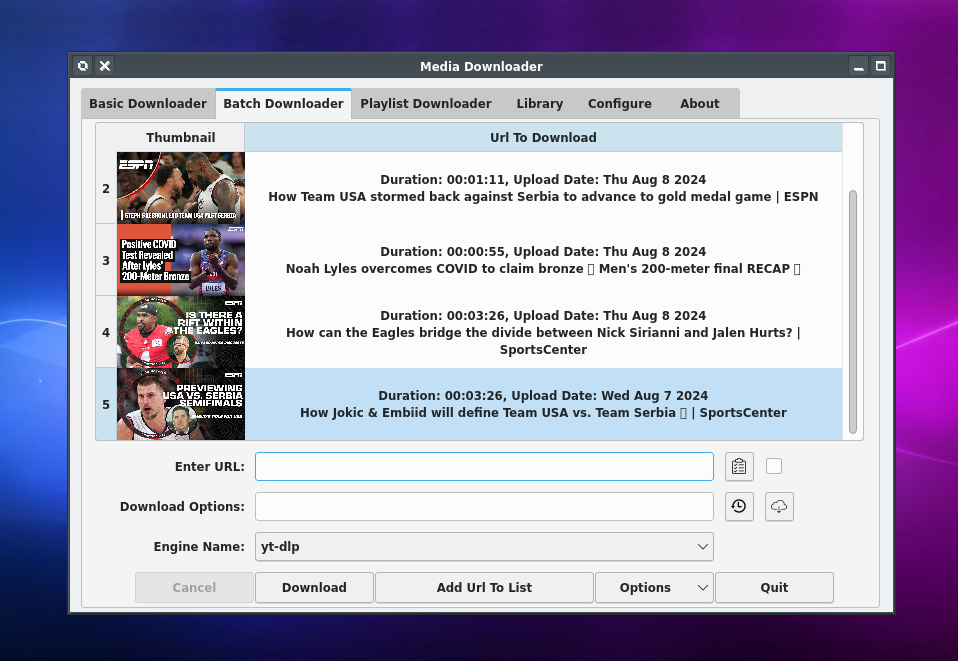
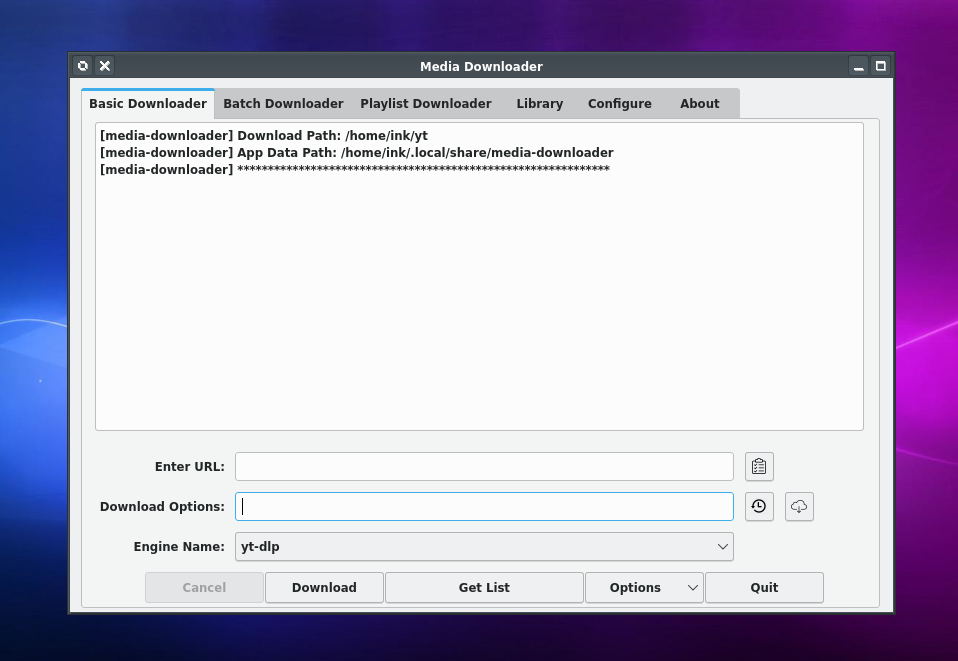
Discover how Media Downloader for Linux simplifies grabbing videos, audio, and images. Read our full review of this powerful yt-dlp GUI tool.
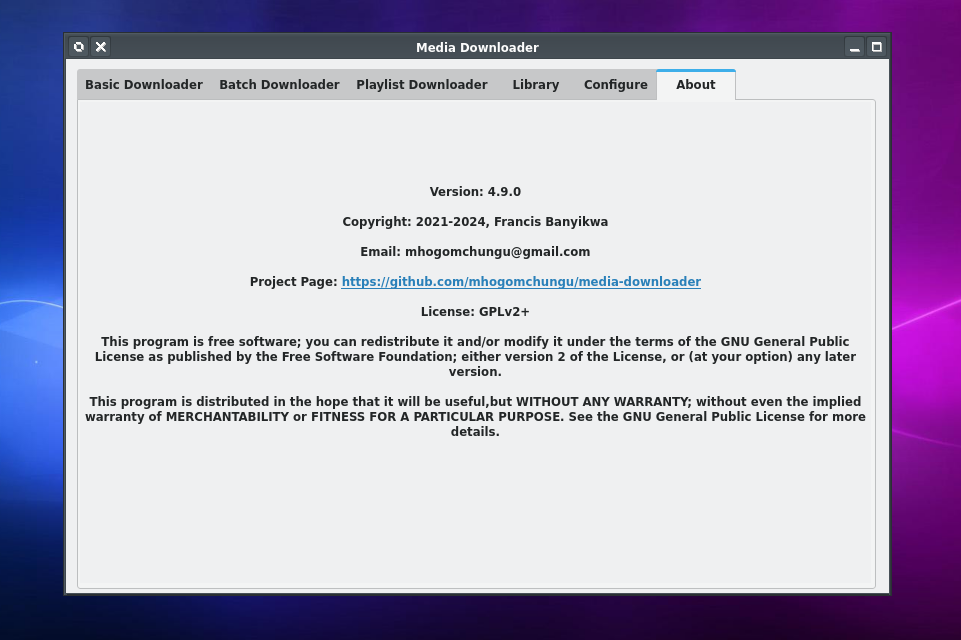
Finding a reliable way to archive your favorite online content can be a challenge, but the Media Downloader video and audio grabber offers a streamlined, open-source solution for Linux users. Developed by Francis Banyikwa, this application serves as a highly capable graphical user interface (GUI) for powerful command-line engines like yt-dlp and gallery-dl. Instead of wrestling with terminal commands, users get a clean, functional layout to manage their local media backups effortlessly.
What is the Media Downloader Video and Audio Grabber?
At its core, this software acts as a visual bridge to some of the most robust command-line download engines available today. By wrapping tools like yt-dlp and gallery-dl in an intuitive interface, it allows Linux enthusiasts to download video files, audio tracks, and images from a vast array of supported websites without needing to write a single line of code.
Key Features and Capabilities
Whether you are archiving educational lectures, saving high-resolution photography, or pulling offline playlists, the application provides several practical advantages:
- Multi-Engine Support: Seamlessly leverages backend tools like yt-dlp and gallery-dl to handle diverse media formats and hosting platforms.
- Versatile Media Extraction: Easily download video files, extract high-quality audio, or batch-download image galleries.
- User-Friendly GUI: Replaces complex command-line syntax with straightforward input fields, dropdown menus, and progress bars.
- Native Linux Integration: Built specifically for the Linux platform, ensuring stable performance and a responsive user experience.
Who Is This Tool For?
The Media Downloader video and audio grabber is ideal for content creators, researchers, and offline media enthusiasts who need a dependable archiving tool. If you appreciate the power of CLI downloaders but prefer the convenience of a modern desktop application, this utility bridges the gap perfectly. It sits comfortably in the communication and utility category, making web-based media highly accessible.
Getting Started
If you are ready to streamline your media archiving workflow on Linux, you can explore this utility further. To view more details, check system compatibility, or obtain the application for your setup, head over to the official Flathub store page.