Screen Video & Webcam Recorder
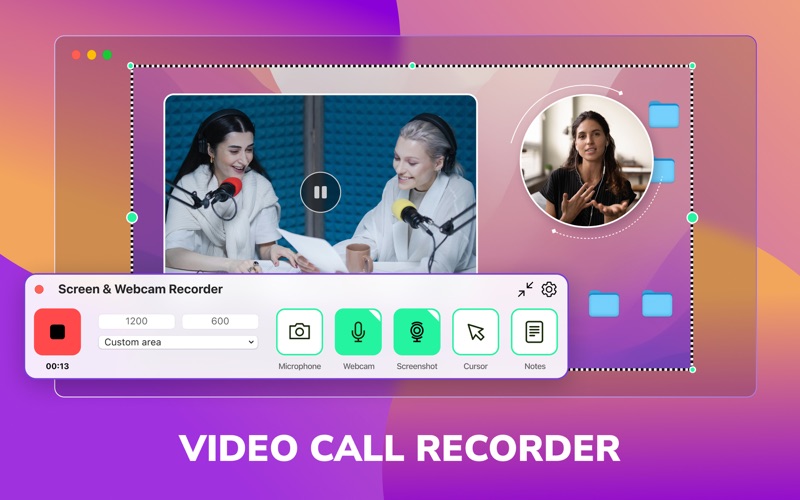
Read our comprehensive review of Screen Video & Webcam Recorder for Mac. Discover how this tool simplifies screencasts, tutorial creation, and presentations.
The Ultimate Solution for Desktop Captures on Mac
Imagine you are preparing a critical software walkthrough for your remote team, or perhaps you need to record a live educational webinar while you are away from your desk. In these moments, having a reliable, high-quality screencast tool is essential. Screen Video & Webcam Recorder by SIMPLEDIO, TOO is designed specifically for macOS users who need to transform everyday on-screen activities into professional, polished, and shareable video content.
As a dedicated communication utility, this application balances advanced customization with an intuitive interface, making it an excellent choice for educators, content creators, and corporate professionals alike.
Key Features of Screen Video & Webcam Recorder
This application stands out by offering a robust suite of tools that cater to both basic recording needs and complex production workflows. Here is a closer look at what it brings to your desktop:
- Flexible Capture Areas: Whether you need to record your entire desktop, a specific application window, or a custom-cropped region, the app adapts to your exact needs.
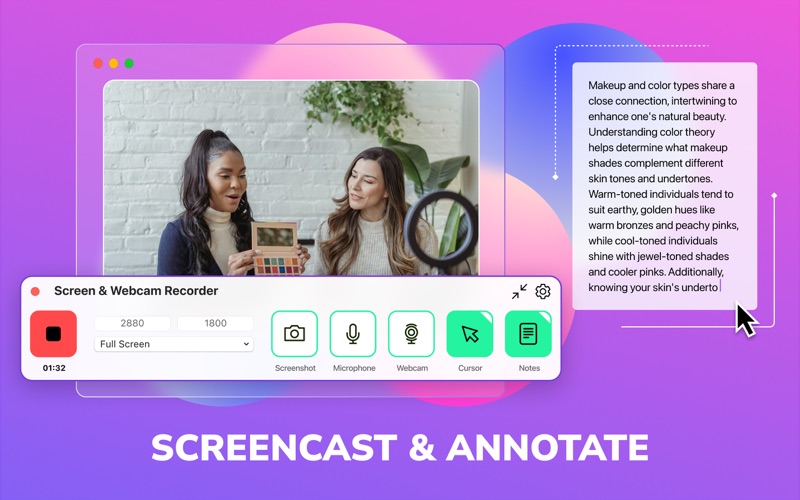
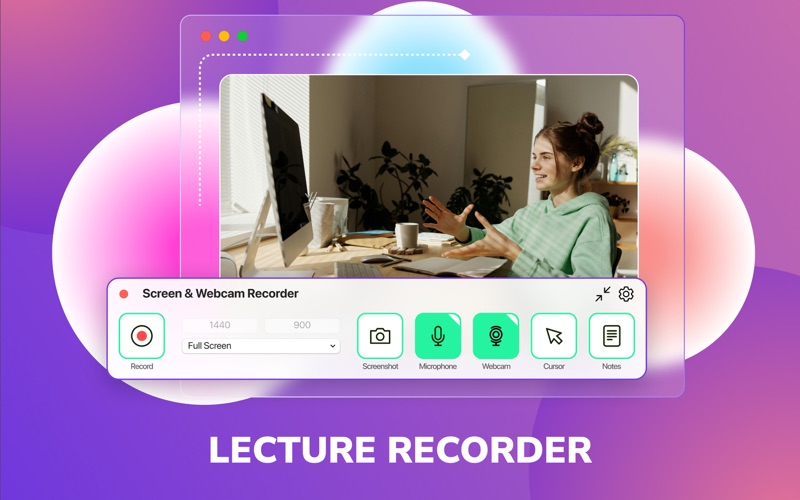
- Webcam Integration: Add a personal touch to your presentations. By overlaying a customizable webcam feed, you can connect more effectively with your audience during tutorials or lectures.
- Adjustable Video Quality: Manage your storage and output quality by choosing frame rates ranging from 15 to 60 FPS. The tool supports resolutions from standard 720p up to crisp 1080p and stunning 4K, saving files in popular formats like .mp4, .mov, .m4v, and .heif.
- Built-In Notepad: Keep your thoughts organized without switching windows. The integrated notepad allows you to write down memos and key points during live recordings.
- Delayed Start & Scheduling: Set a countdown timer to prepare yourself before recording begins, or schedule a delayed start from 5 seconds up to 90 minutes to capture events automatically.
Who Is This Recording Tool For?
Screen Video & Webcam Recorder is highly versatile. It is particularly beneficial for educators who need to record structured lectures, remote teams sharing quick video updates, and creative professionals producing high-definition video tutorials. Its straightforward controls ensure that even those with minimal technical background can produce clean, high-quality screencasts without a steep learning curve.
How to Get Started
Whether you want to utilize the excellent free features or upgrade to the premium tier for advanced capabilities, this application provides a seamless experience on macOS. To explore its features and integrate it into your workflow, visit the official Mac App Store to see how it can elevate your video creation process.